
Saved Queries
Saved Queries allow you to store and manage individual data queries independently of dashboards. These reusable queries can be used across multiple dashboards or for standalone analysis.
Why Save a Query?
Saving a query separately is useful when:
You want to re-use a query in multiple dashboards without rebuilding it each time.
You need to perform ad hoc analysis on a single dataset or behavioral event outside of a dashboard context.
Query List
To access your saved queries, click the "Queries" link in the left-hand sidebar. This opens your full list of saved queries.
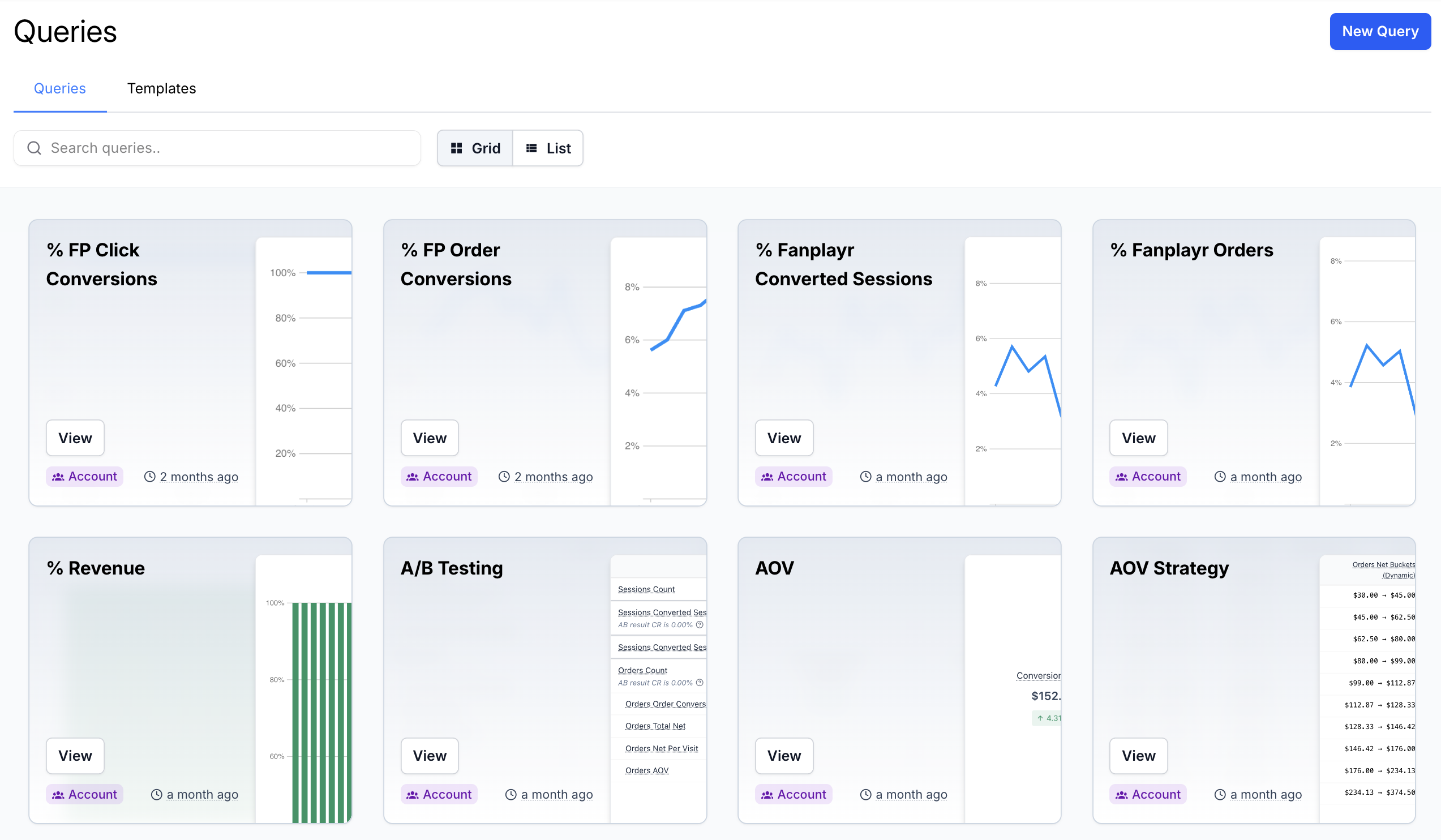 Query List
Navigation & Controls
At the top of the query list, you’ll find helpful tools to manage and navigate your queries:
View Toggle – Switch between a grid view and a list view to suit your browsing style
Search Bar – Filter queries by name or keyword to quickly locate what you need
Sort By – Sort queries by name, last updated, or date created. Click the direction button next to the dropdown to reverse the sort order. Your chosen sort is remembered in your browser.
Templates
Click the Templates tab to browse pre-built query templates created by Verada. These templates provide a fast and easy starting point for common use cases and data patterns.
Creating a Query
To create a new query, click the "New Query" button in the top-right corner of the query list.
You can choose to:
Start from scratch – Begin with a blank canvas for full customization
Use a template – Select from a curated list of predefined queries designed by Verada
Viewing & Editing Queries
Saved queries can be opened in the "Playground", a flexible editing environment for customizing your query's filters, metrics, dimensions, and visualization types.
For full details on how to explore and edit queries, see Playground Documentation.