
Navigation
When you log into Verada 360 you should be taken to the Overview screen.
Account Settings
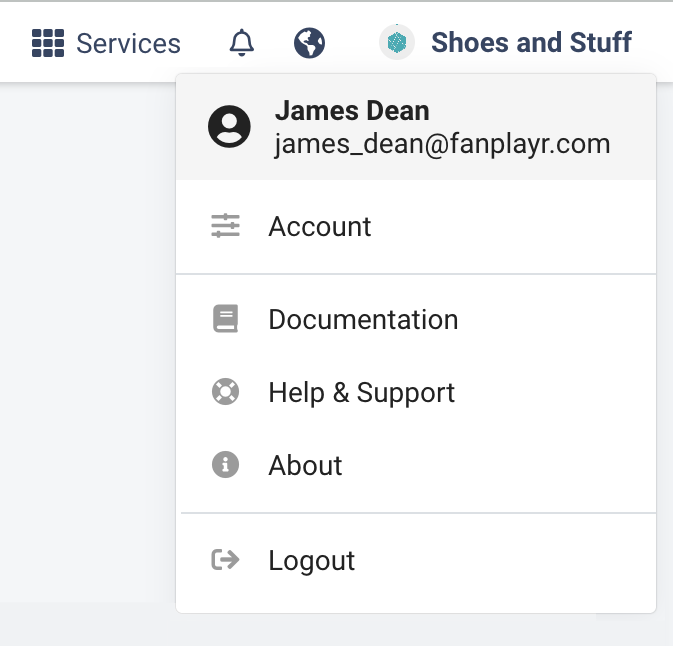
You can access your account settings by clicking the name of your company at the top right of the screen, and then clicking clicking Account.
Services
To access Verada 360, and other services such as PrivacyID, click the Services icon near the top right of the page.
This will then display the services you have on your account. If you are only using Verada 360 the menu should look like this:
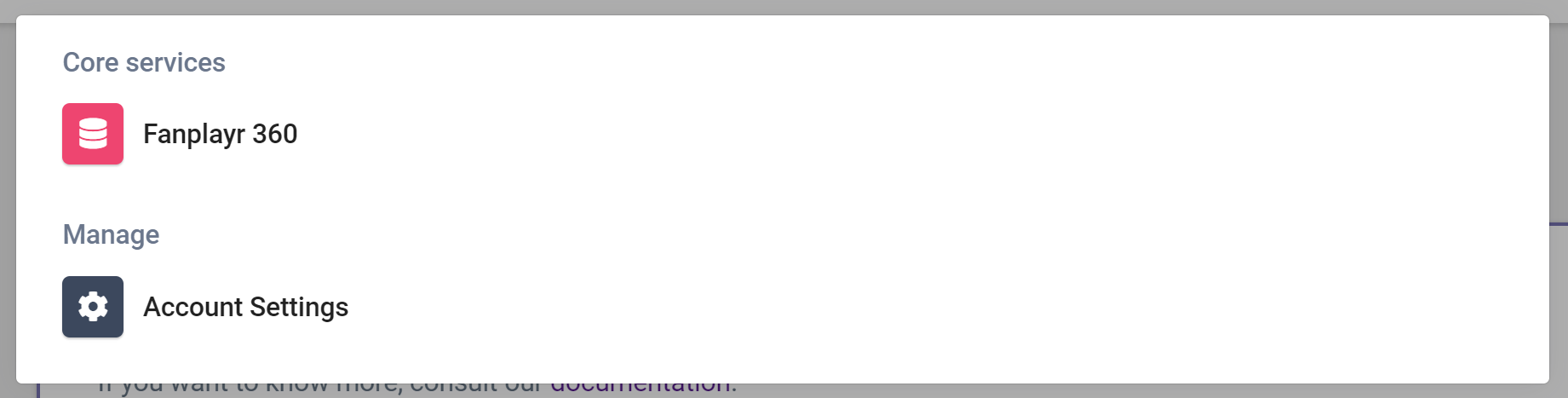
This menu can contain other services enabled on the account, such as PrivacyID.
Change the language
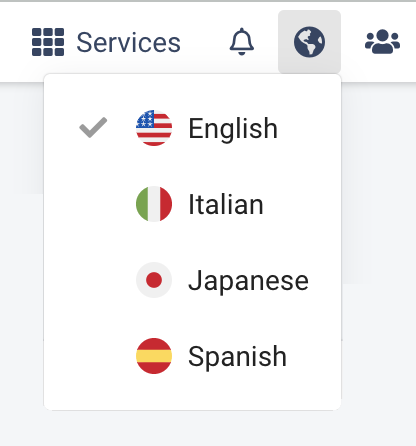
Verada 360 can be used in English, Italian, Japanese and Spanish. This will both change the text used throughout, as well as the display format of dates and numbers.
INFO
Event and Attribute labels are defined in the Data Dictionary and will not automatically be translated.